





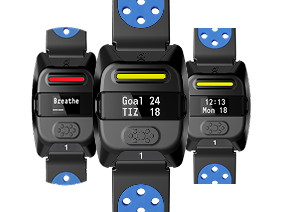
- What makes the IHT Spirit Software Suite different from other heart rate systems?
The Spirit Software Suite goes beyond traditional heart rate tracking by connecting physical activity with emotional awareness and meaningful insights through our assessment platform. While most systems focus only on fitness, the Spirit System helps students understand how their body responds to stress, effort, and recovery, building lifelong self-regulation skills. Combined with powerful reporting and reflection tools, it becomes a complete wellness solution, not just a fitness tool.
- What is the Spirit Software Suite?
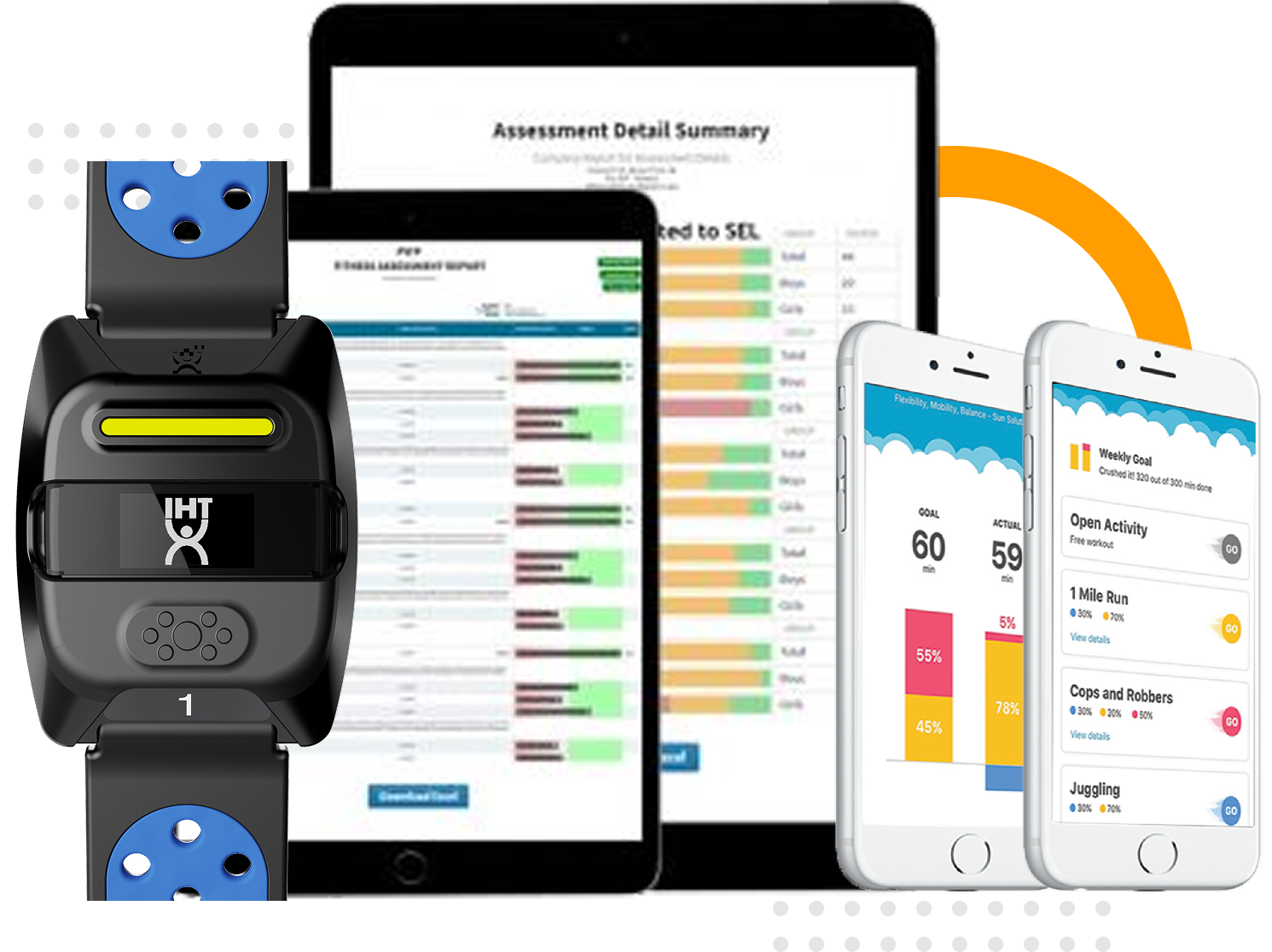
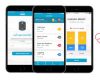
IHT’s Spirit Software Suite is a three-platform system designed to support whole-student wellness through real-time heart rate monitoring and data-driven reporting. It includes the Spirit Classroom App for class-based instruction, the Spirit Assessment Software for in-depth fitness and wellness tracking, and the Spirit Individual App for virtual PE, one-on-one, or at-home use. All three platforms sync seamlessly, giving educators, counselors, and families a complete picture of each student's physical and emotional health.
The Spirit Software Suite includes three interconnected platforms:
- Classroom App: Real-time heart rate monitoring for PE classes and small groups, available on Android and ChromeOS devices.
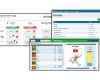
- Spirit Assessment Software: A web-based hub for analyzing heart rate data, tracking fitness scores, logging emotional wellness, and generating customizable reports.
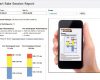
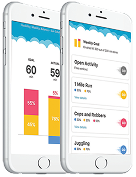
- Spirit Individual App: A one-to-one monitoring solution for parents, counselors, and virtual or homeschool PE settings, compatible with iOS and Android devices.
- Do I need all three platforms or can I use them separately?
It depends on your needs. Many schools start with the Classroom App and Assessment Software together for a complete in-class solution. The Individual App is used for kids who need at-home or one-on-one support.
- What kind of support does IHT provide after purchase?
Every customer is assigned a dedicated Customer Success Manager who provides onboarding, training, troubleshooting, and ongoing support. Our team is known for fast response times and hands-on help to ensure your program is successful.
- Is the Spirit Software Suite difficult to set up? How quickly can we get up and running?
No technical experience is required. The Spirit Classroom App was designed with a teacher-friendly interface that is intuitive from day one. Setup is automated, auto-rosters make it a breeze to add your students/classes, and all data syncs seamlessly with the Spirit Software Suite.
Most schools and organizations are up and running within days. Once devices are received, the Classroom App and software setup are quick and intuitive. Your Customer Success Manager will guide onboarding, training, and best practices to ensure a smooth launch.
- Which devices are compatible with the Classroom App?
The IHT Classroom App is available for Android and ChromeOS devices and can be downloaded from the Google Play Store.
- How is student data kept safe and private?
Student privacy is a top priority. The Spirit Software Suite is designed with strict data protection protocols and follows all applicable student data privacy standards. No personal health data is shared with third parties, and schools maintain full control over student data access and permissions. Our system is built to support compliance with district, state, and federal guidelines. Review our Privacy Policy here.
- How does the IHT Spirit Classroom App work in a PE class?
The Classroom App lets PE teachers monitor and analyze the heart rates of all students from Android or ChromeOS devices. At the start of class, teachers can tap in the Classroom App to connect all heart rate monitors automatically, eliminating the manual setup that eats into instruction time. During activity, all heart rate data and zone feedback is recorded automatically. At the end of class, the app generates summary reports, and students can complete journaling prompts to reflect on their effort and set wellness goals. Read more about our Classroom App here.
- How much class time does it take to get the monitors connected using the Classroom App?
Very little time. A single tap in the Classroom App activates or deactivates an entire class's monitors (or any number of students, down to a single monitor) so you spend less time on setup and more time on movement.
- Can students see their own heart rate data during class?
Yes, the Spirit System is designed to give students live feedback on their effort level and heart rate zone during activity. This real-time visibility is a powerful motivator, building personal accountability and deeper engagement with their own fitness.
- What kind of reports can the Spirit Assessment Software generate?
The Spirit Assessment Software offers flexible, customizable reporting across multiple levels: individual students, classes, campuses, and district-level views. Reports can include heart rate session data, fitness scores, emotional health logs, custom observations, and student goal-tracking.
- Can I use the Spirit Assessment Software without the Spirit Heart Rate Monitors?
Yes, the Spirit Assessment Software is designed to be useful even for schools that use other fitness assessment tools or monitors. You can manually log fitness scores, emotional wellness data, and custom observations directly in our software, making it a centralized wellness reporting hub regardless of what hardware your school uses.
- How does the Spirit Assessment Software help PE teachers demonstrate program value to administrators?
One of the biggest challenges PE teachers face is proving student progress with hard data. The Spirit Assessment Software generates professional, standards-aligned reports that make it easy to show administrators, school boards, or parents exactly how students are improving physically and emotionally over time. Reports can be filtered by class, campus, or district, giving decision-makers the big-picture view they need.
- Can parents access their child's heart rate and wellness data?
Yes, data from the Classroom App can be automatically emailed to the student and their parents, keeping the whole family informed and involved in the child's wellness journey. This creates a bridge between school-based PE instruction and at-home health habits. For one-on-one or at-home use, the Spirit Individual App was specifically designed with families in mind. The parent or guardian would have access to the Individual App with all of the student’s heart rate data.
- Does the Spirit Software Suite support emotional health and social-emotional learning (SEL)?
Absolutely. The Spirit Software Suite goes beyond physical fitness to support whole-student wellness. The Spirit heart rate monitors identify when a student is experiencing stress, helping the student recognize when they’re stressed and gives them the opportunity to calm down. This helps students learn emotional self-regulation. The Classroom App and Individual App both include optional journaling and self-reflection tools that encourage students to identify how they feel during and after physical activity. The Assessment Software allows educators and counselors to log emotional wellness observations alongside fitness data, creating a more complete picture of each student's wellbeing.
- Does the Spirit Software Suite integrate with other school systems or platforms?
The Spirit Software Suite is built to work within your existing environment. The Assessment Software's robust reporting tools make it easy to export data for use in student health records, district dashboards, or grant documentation. If you have questions about a specific integration need, IHT's team can walk you through your options.
- Is the Spirit Software Suite used in schools across the country?
Yes, IHT’s heart rate monitors are used by over 11,000 K-12 schools in all 50 U.S. states. Additionally, schools in 36 different countries use our technology.
- How do I get started or request a demo of the Spirit Software Suite?
Getting started is easy. If you need more than one heart rate monitor, you can email us or schedule a phone call, request a custom quote or personalized demo, where a member of our team will connect with you to better understand your goals, student population, and budget.
If you are only looking to purchase one monitor, you can do so here, and you can download our Individual App in the Google Play Store or App Store. We’re happy to answer any questions or provide assistance in any way, so please feel free to reach out to us.